The 2AM Wake-Up Call
My bedroom lights decided 2AM was the perfect time to throw a rave. The automation that should have kept them off after midnight had silently failed, along with every other time-based automation in my house.
Half-asleep, I reached for my phone and typed into Claude Code: “Check why my Home Assistant automations stopped working.”
What followed was a masterclass in AI-assisted debugging.
The Problem: Silent Database Failure
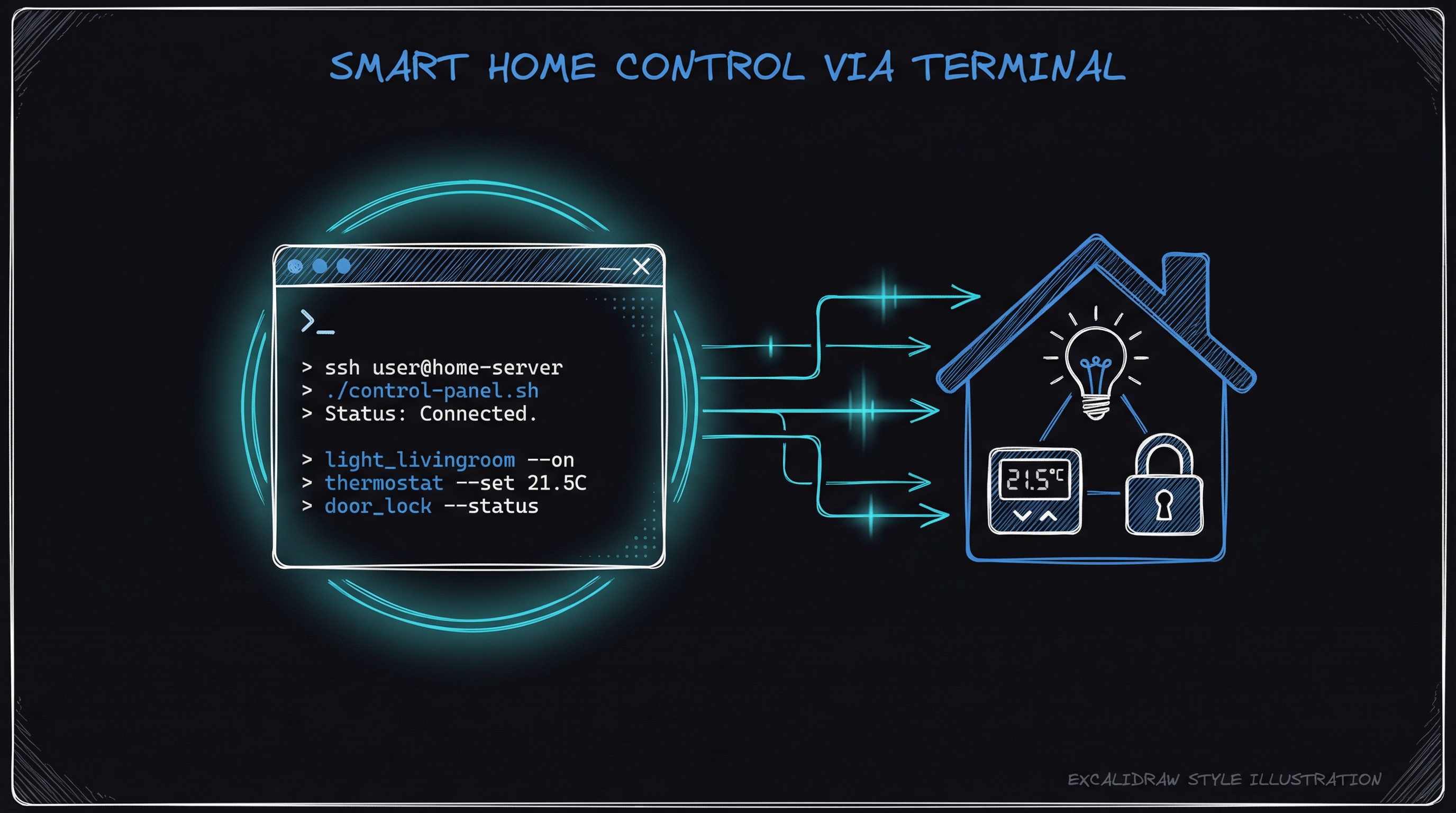
Claude Code SSH’d into my Home Assistant instance and started investigating:
ha core logs | grep -i error
The culprit appeared immediately: MariaDB connection failures. The recorder component—responsible for tracking state history and triggering time-based automations—had lost database access.
ERROR (Recorder) - Error during connection setup: Access denied for user 'robt'@'172.30.32.1'
Without the recorder, Home Assistant was flying blind. No history, no energy tracking, no logbook—and critically, no reliable automation triggers.
The Fix: Three Commands
Claude Code diagnosed the issue as a permissions problem after a recent MariaDB addon update. The fix was surgical:
1. Reconfigure database permissions:
curl -s -X POST -H "Authorization: Bearer ${SUPERVISOR_TOKEN}" \
  -H "Content-Type: application/json" \
  http://supervisor/addons/core_mariadb/options \
  -d '{"options":{"databases":["homeassistant"],"logins":[{"username":"robt","password":"***"}],"rights":[{"database":"homeassistant","username":"robt"}]}}'
2. Restart MariaDB:
ha addon restart core_mariadb
3. Restart Home Assistant Core:
ha core restart
Total time from “lights are broken” to “everything works”: 4 minutes.
Why This Matters
I could have done this manually. I’ve debugged Home Assistant dozens of times. But at 2AM, bleary-eyed, the cognitive load of remembering SSH credentials, the right CLI syntax, and the correct restart sequence would have stretched this into a 20-minute ordeal.
Instead, I described the problem in plain English. Claude Code:
- Loaded the right context - It knew my Home Assistant setup, SSH credentials (stored securely), and common failure patterns
- Investigated systematically - Checked logs, identified the error pattern, traced it to the root cause
- Executed the fix - Ran the exact commands needed, in the right order
- Verified success - Confirmed the recorder reconnected and automations resumed
The Setup: Skills-Based Context
This works because Claude Code uses a skills system. My HomeAssistant skill contains:
- SSH connection details (credentials in a separate
.envfile) - Common diagnostic commands
- Known failure patterns and fixes
- Add-on inventory and their quirks
When I mention “Home Assistant,” Claude Code automatically loads this context. No need to re-explain my setup every session.
Beyond Debugging: Proactive Maintenance
Since setting this up, I’ve used Claude Code to:
- Audit automations for logical errors before they trigger
- Analyze energy data from the recorder database
- Update configurations across multiple YAML files consistently
- Test Zigbee device connectivity through the Mosquitto broker
The pattern is always the same: describe what I want in natural language, let Claude Code handle the implementation details.
The Broader Point
Smart homes are complicated. They’re distributed systems with dozens of moving parts—coordinators, brokers, databases, automation engines. When something breaks at 2AM, the last thing you want is to context-switch into sysadmin mode.
AI-assisted CLI tools like Claude Code aren’t replacing the need to understand your systems. But they’re exceptional at bridging the gap between “I know what’s wrong” and “I remember the exact incantation to fix it.”
My lights stayed off for the rest of the night. And I was back asleep in five minutes.
Running Claude Code with Home Assistant? I’d love to hear your setup. Find me on GitHub or drop a comment below.